AR Drawing
Verified | 3.0 Rating |
About App
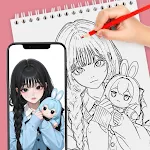
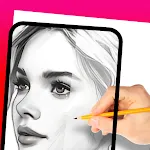
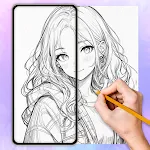
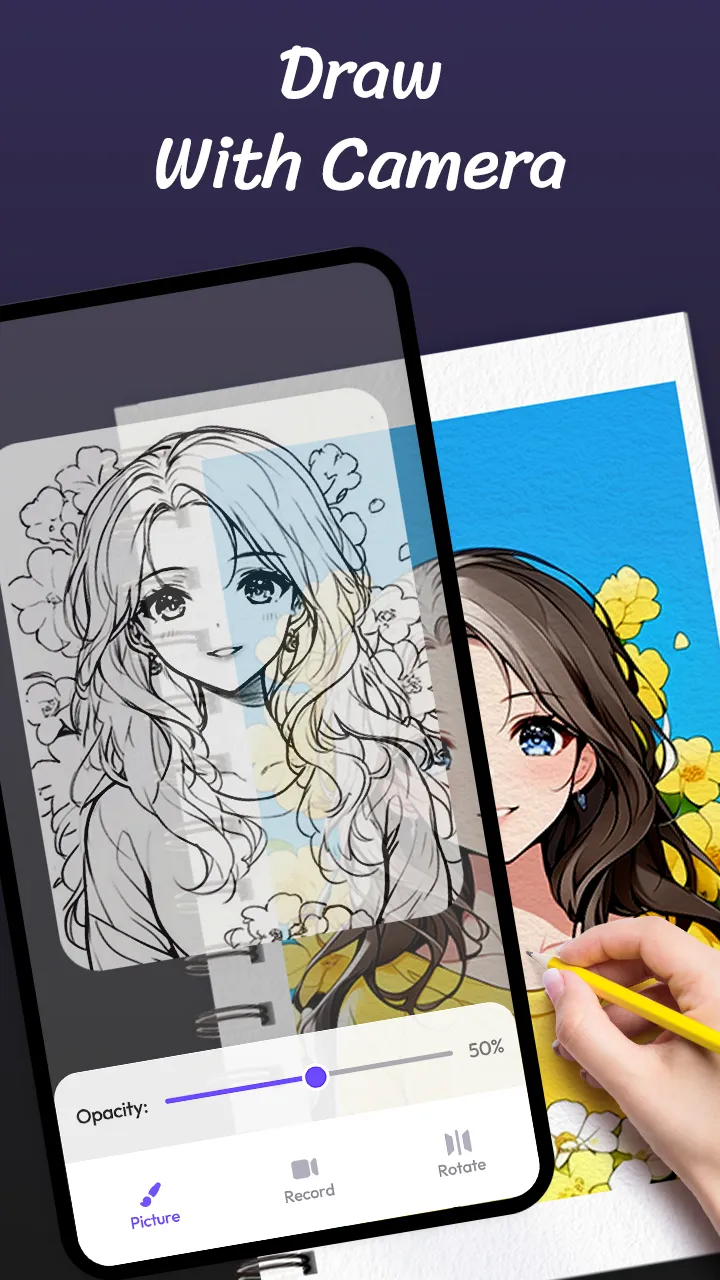
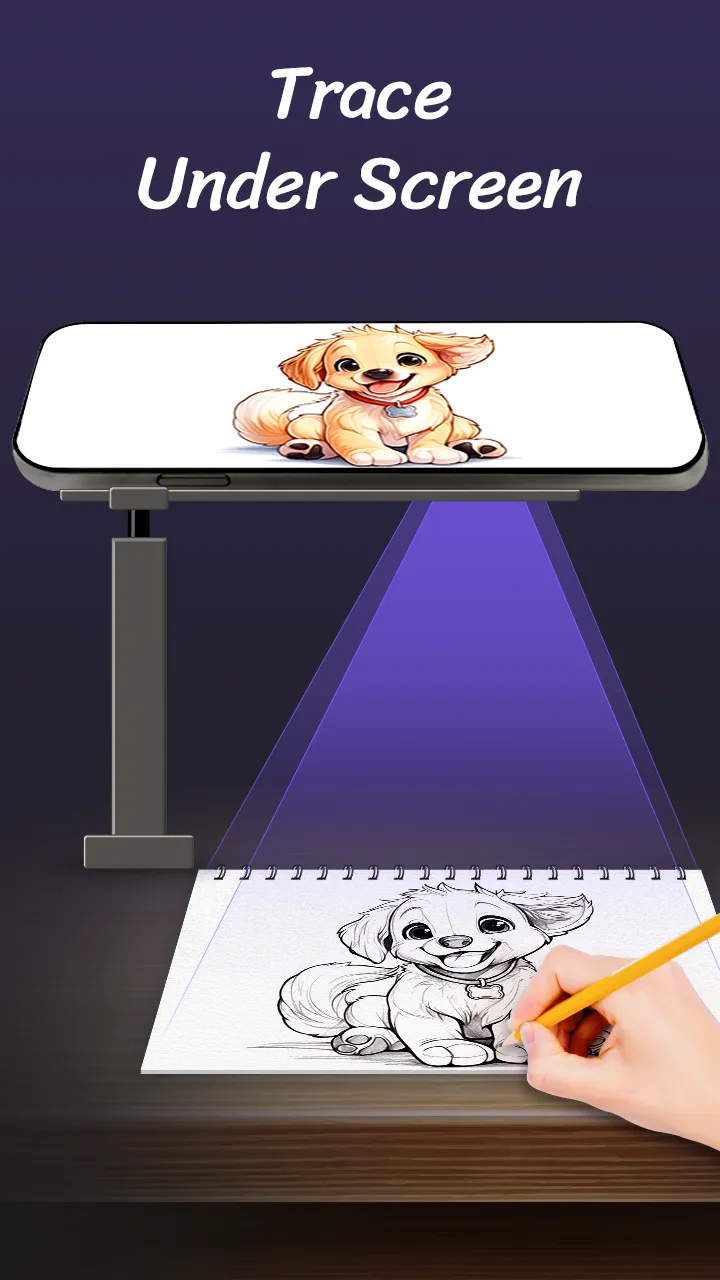
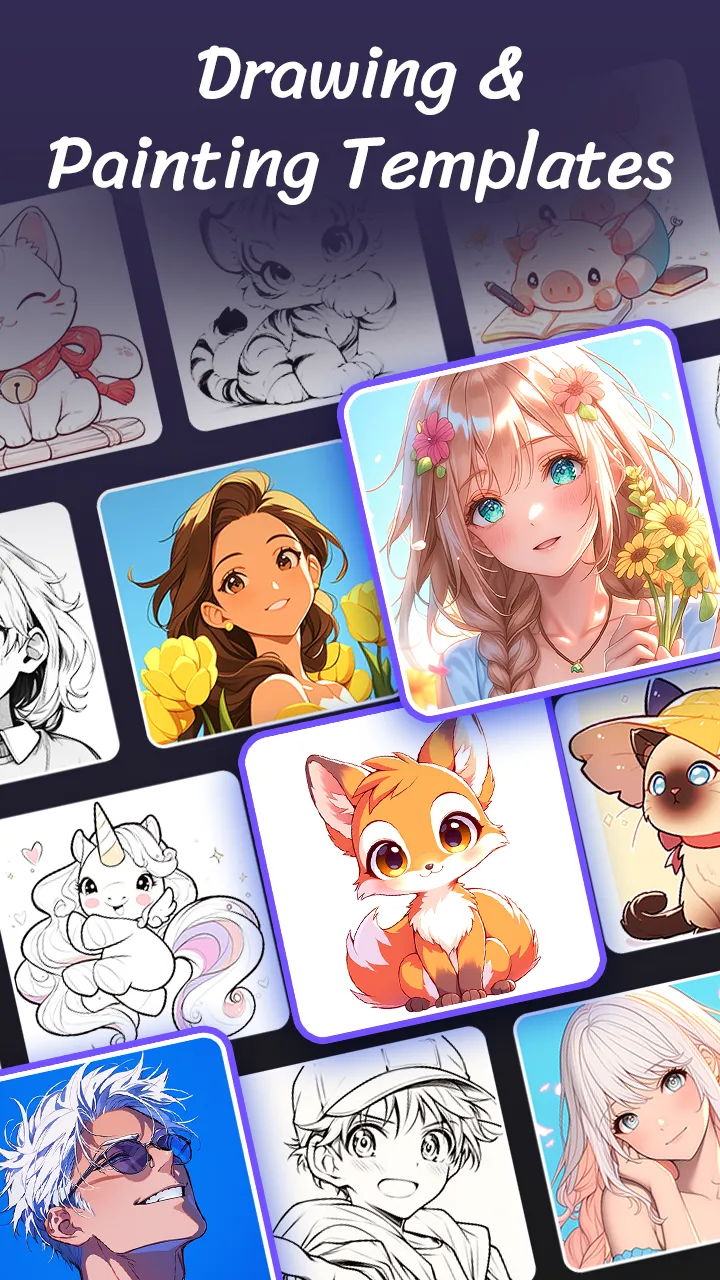
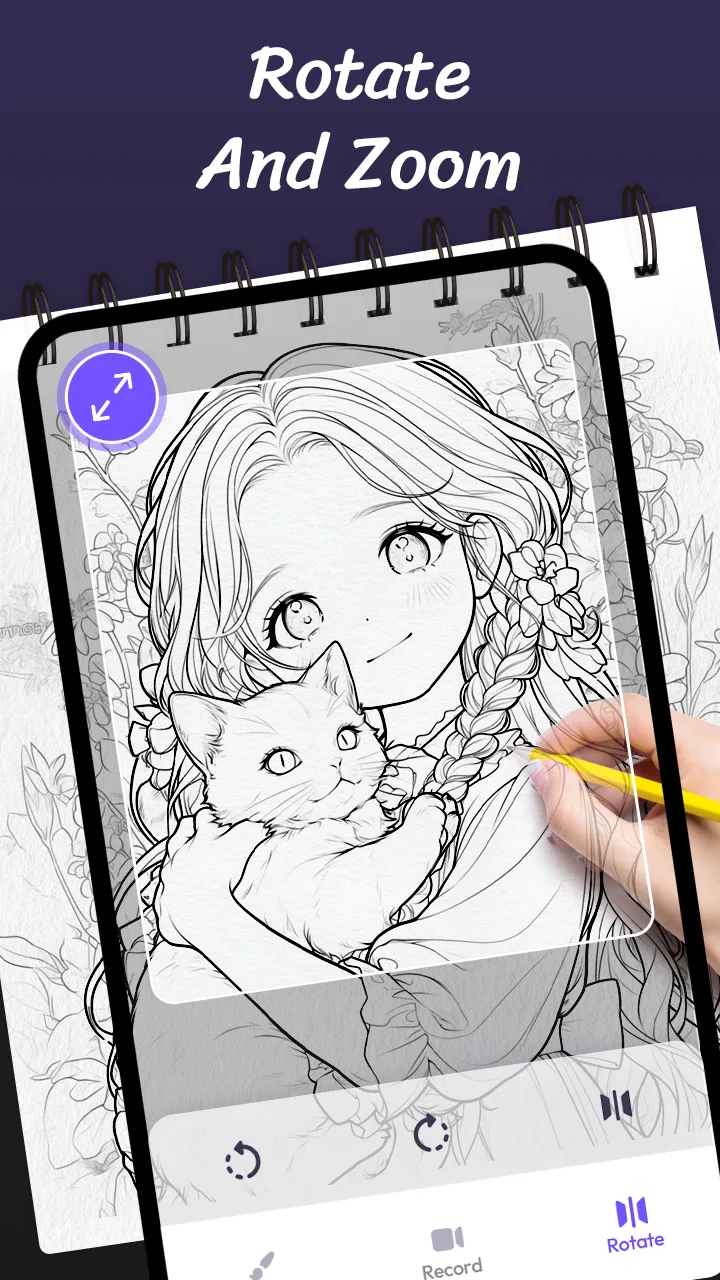
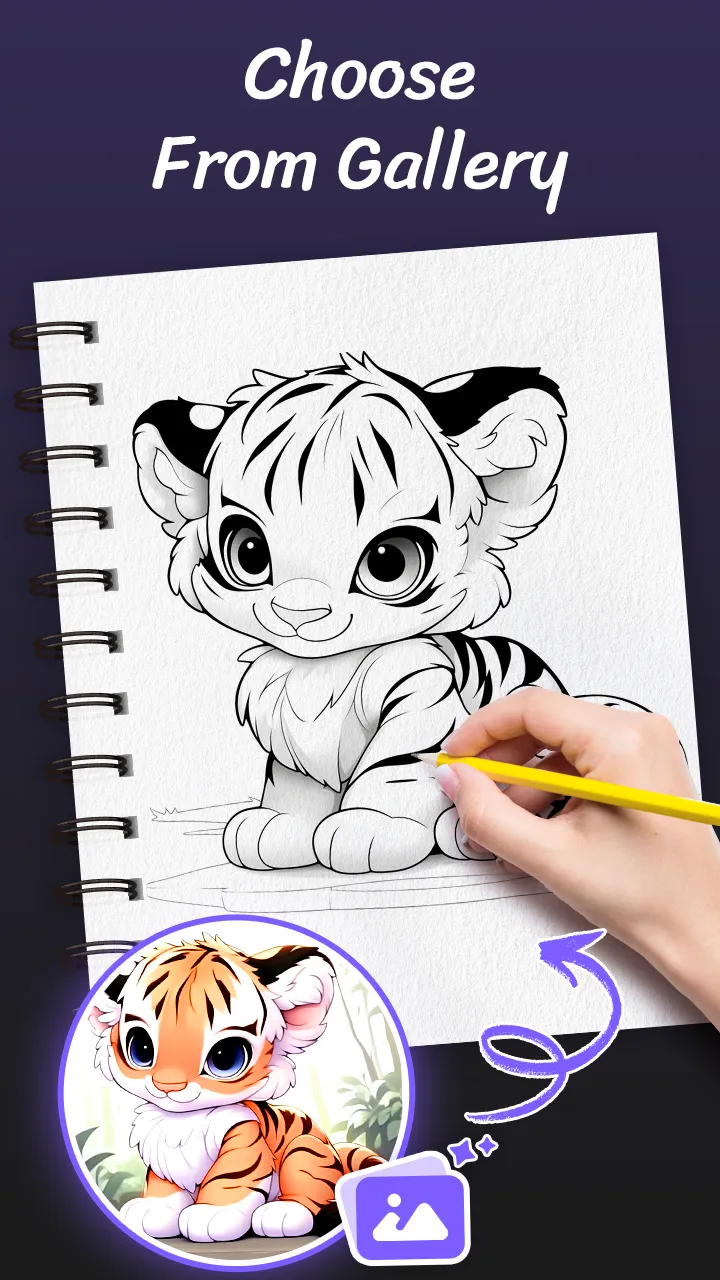
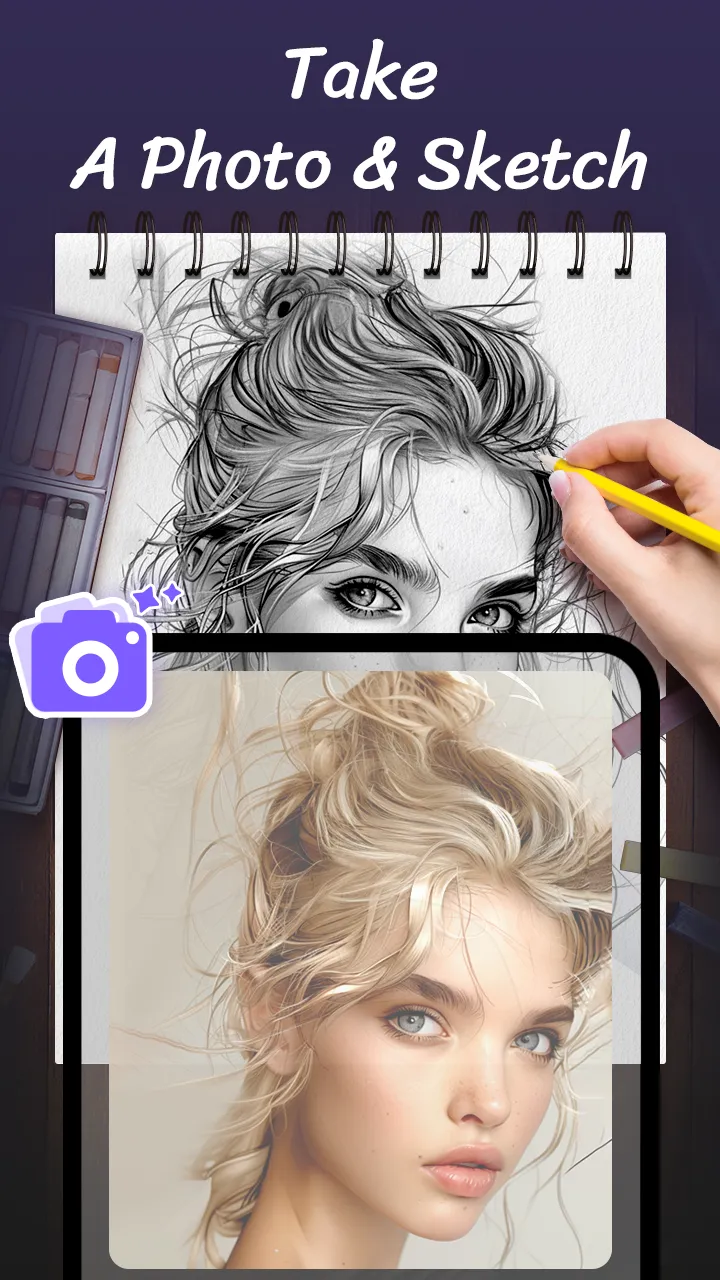
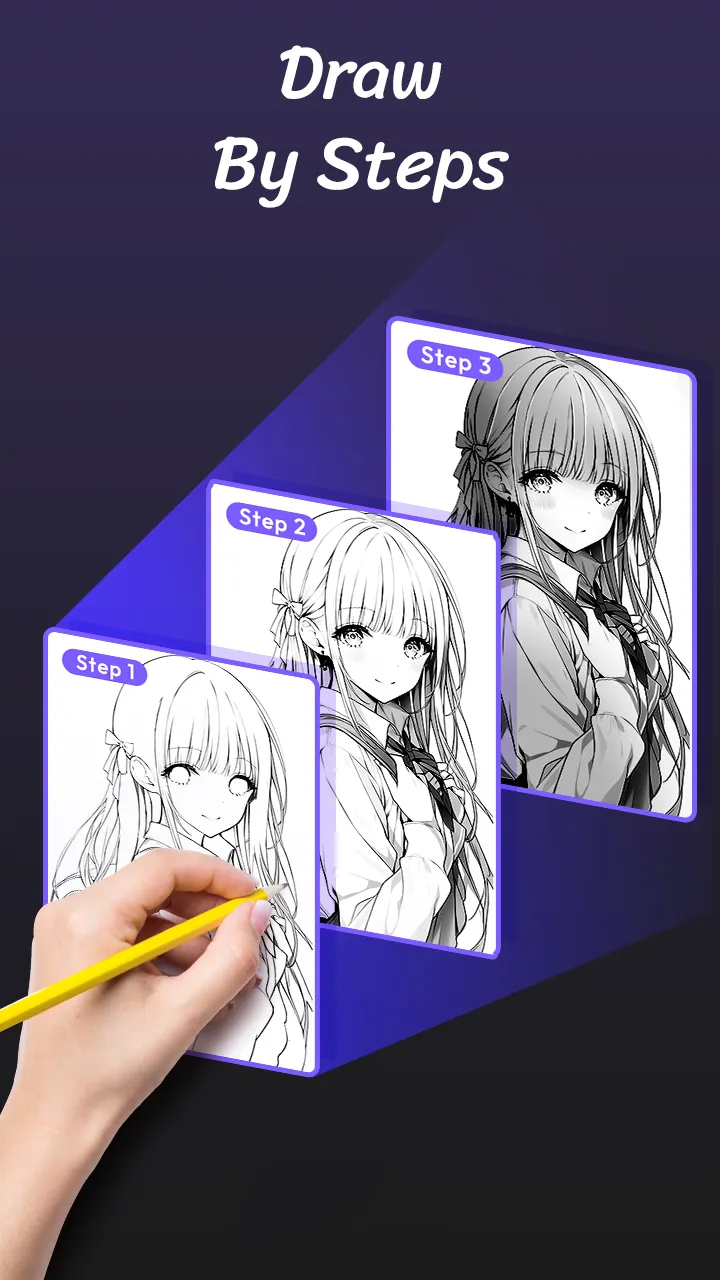
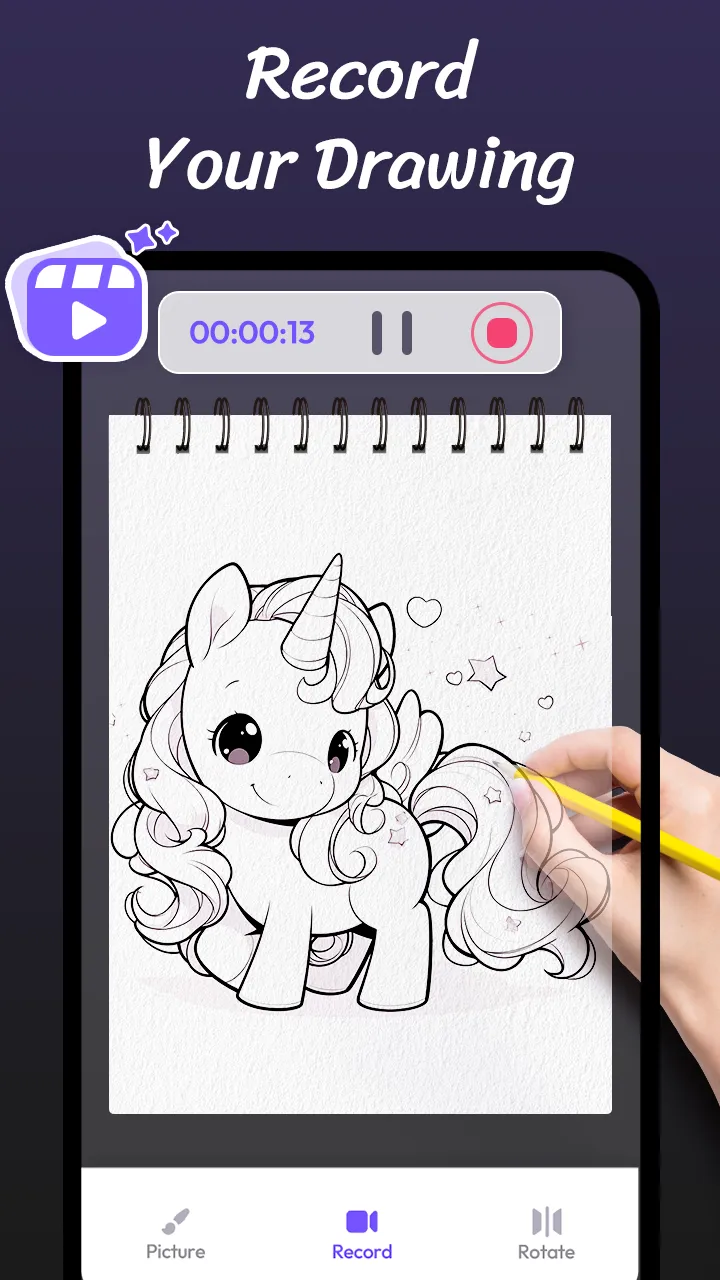
AR Drawing Paint Sketch Trace, an AR art projector that can help release your trace drawing and painting talents! Wanna know how to draw anime? Try this sketch app with AR technology and make your own masterpieces with ease! It’s one of the most useful drawing apps for free — suitable for artists of all levels. How to do AR drawing sketch paint? • Open the tracing app, prepare a pencil, a piece of paper, canva or a sketch book. • Choose a photo to sketch from your camera / gallery or from the outline pictures of the app. • Fix your phone with a support and trace to draw on photo with the tracing projector....
Developer info
3.0
2 total rating(s)
5
50%
4
0%
3
0%
2
0%
1
50%
made me worse at drawing each time I tried i failed miserably even shrimpy agrees
Similar apps
Popular Apps